
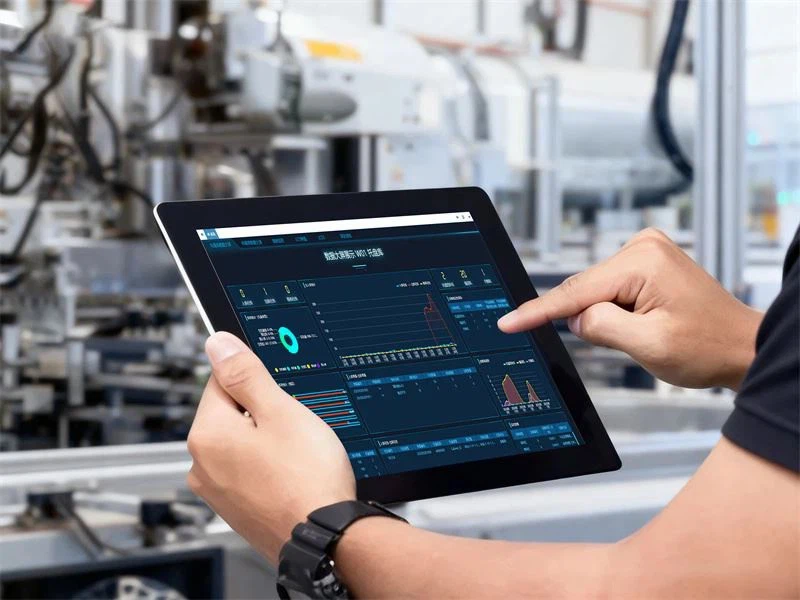
WMS and WCS are two software systems that work side by side in any automated warehouse, yet they do completely different jobs. The two are often confused — an expensive mistake when it leads a company to deploy only one. The WMS manages inventory and business operations: what you have, where it is, when it comes in and when it goes out. The WCS controls the physical equipment in real time: which stacker crane moves, at what speed and in what sequence. Without a WMS, the warehouse doesn't know what products it holds. Without a WCS, the ASRS never receives its instructions. You need both.
What the WMS (Warehouse Management System) does
The WMS is the warehouse management layer: it takes purchase and sales orders from the ERP, tracks inventory in real time, manages where each product is stored (slotting), and generates the tasks for receiving, put-away, picking, replenishment and dispatch. The WMS makes the business decisions: where to place a new pallet, how to distribute picking work across operators, when to replenish a pick face. It does not control the physical equipment directly — that is the WCS's job. The WMS talks to the ERP (SAP, Oracle, Dynamics), sending back movement confirmations, stock updates and order statuses.
What the WCS (Warehouse Control System) does
The WCS is the real-time brain that drives the physical equipment in an automated warehouse: stacker cranes, shuttles, conveyors, AMR robots, VLMs and palletizers. It receives missions from the WMS (store pallet X in location Y) and breaks them down into low-level commands for each machine's PLC. The WCS runs with latencies under 50 ms: it coordinates several machines at once to avoid deadlocks and maximize throughput. It also monitors the status of every machine at a 100 ms frequency, detects alarms and executes automatic recovery procedures before a fault turns into a stoppage.
How WMS, WCS and ERP integrate in practice
The chain of information in an automated warehouse works like this: the ERP receives a customer order and passes it to the WMS. The WMS checks stock, generates the picking orders and sends them to the WCS. The WCS assigns the missions to the equipment (stacker crane 1, retrieve the pallet in aisle A, location 15). The machines execute and report back to the WCS. The WCS confirms to the WMS. The WMS confirms to the ERP. The whole cycle can take under 2 minutes, from the moment the order arrives to the moment the pallet reaches the dispatch station. The WCS latency is the technical bottleneck: in a well-engineered system, it is under 50 ms.
Do I need a WMS, a WCS or both: how to decide
If your warehouse has no automated equipment (stacker cranes, robots, conveyors), you probably only need a WMS to manage inventory and manual tasks. If you run ASRS equipment or robots, you need a WCS to control them even without a dedicated WMS (many companies use the WMS built into their ERP and add a WCS for the ASRS). If you want maximum efficiency and visibility, a fully integrated WMS + WCS stack is the optimal solution: it eliminates integration latency and gives you a unified, real-time view of the warehouse. The WMS and WCS that STOKA deploys were designed as an integrated stack, sharing the same database and a single interface.
The right software is the one that integrates with your ERP without friction
Deploying an ASRS without the right WCS is like buying a Formula 1 car with no steering wheel: the hardware simply cannot run without its control software. And a WCS that does not communicate cleanly with your ERP’s WMS creates inventory inconsistencies that can cost more than the system itself. At STOKA the software implementation is part of the project scope: the technical integration with the client’s ERP is ours to solve, not your team’s. What that scope includes is set out in writing before signing.
Frequently asked questions
Integration is validated against your company’s actual systems and versions. Agree on data, responsibilities, interfaces, tests and interruption handling; a software brand alone does not establish compatibility.
It depends on scope. The timeline is built from stages that can be dated: data survey, configuration, migration, training and acceptance testing. The proposal separates those stages and fixes the milestones before committing to a start date; commissioning for an automation project runs 3 to 4 months from the purchase order.
It can run as the primary system or as a satellite system for the automated zone, interfaced with your ERP's WMS. The choice depends on how complex your processes are and on how far the company wants to consolidate systems. STOKA lays out both options, with their pros and cons, before submitting the proposal.
The WCS runs on a redundant server with automatic failover in under 30 seconds. The physical equipment has local PLCs with an emergency mode that allows manual operation while the WCS is restored. Inventory is locked in read-only mode during recovery.